In certain situations, rather than running the entire test suite, we might need to execute only a specific test. In such cases, we can use tags to filter and select the desired scenarios for execution. pytest-bdd also supports tagging through options like -k or -m for filtering tests based on tags.
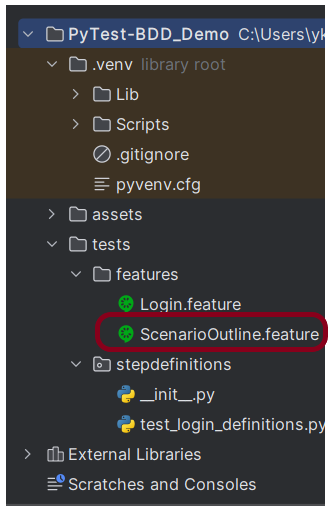
Below are 2 feature files.
Login.feature
@Login
Feature: Login Page

    @ValidCredentials
    Scenario: Successful Application Login
        Given User is on login page
        When User enter username "Admin" and password "admin123"
        Then User should be able to login successfully and new page open "Dashboard"
ScenarioOutline.feature
@ScenarioOutline
Feature: Scenario Outline Example

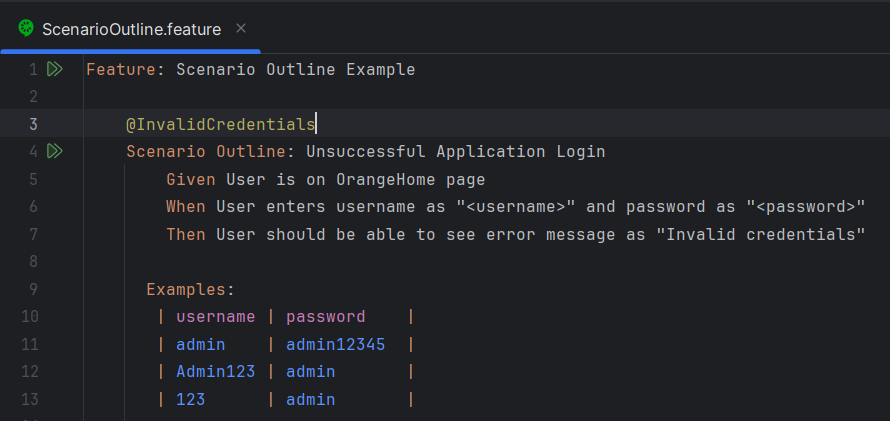
    @InvalidCredentials
    Scenario Outline: Invalid credentials generate error message
        Given User is on OrangeHome page
        When User enters username as "<username>" and password as "<password>"
        Then User should be able to see error message as "Invalid credentials"

      Examples:
       | username | password    |
       | admin    | admin12345  |
       | Admin123 | admin       |
       | 123      | admin       |


    @MissingUsername
    Scenario: Missing Username generates error
        Given User is on OrangeHome page
        When User enters username as " " and password as "admin123"
        Then User should be able to see error message as "Required" below the username field
Run Test from Command Line
1. Running all the tests
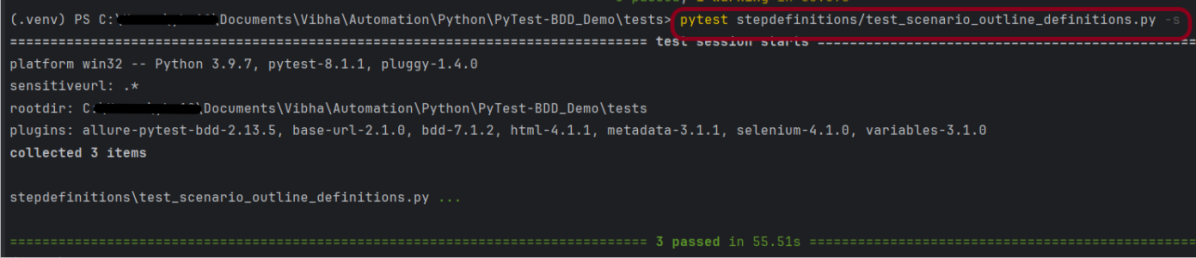
To run all the scenarios, we can open the command prompt and use the below command:-
pytest
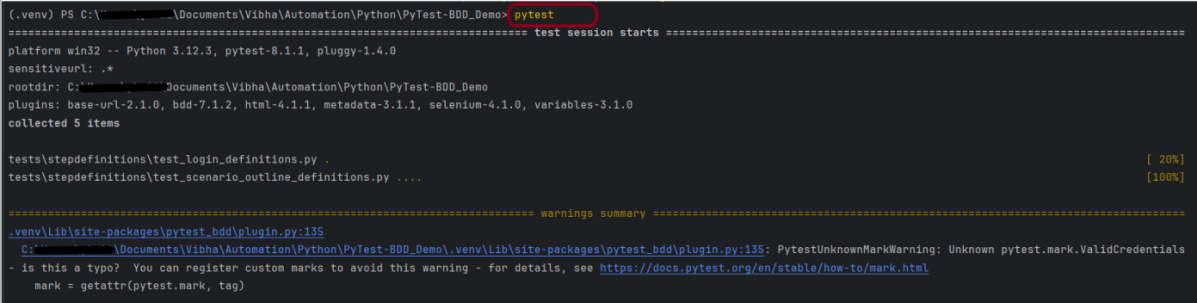
This command will execute all the scenarios present in all the feature files. We can see that there are warning summaries like PytestUnknownMarkWarning: Unknown pytest.mark.ValidCredentials – is this a type? You can register custom marks to avoid this warning. To know more about this, you can refer to this document – How to mark test functions with attributes.
To avoid these types of warnings, I suggest you create a pytest.ini file and save it in the project. We need to mention all the markers and their description in this file.
[pytest]
markers =
    Login: mark all tests as login
    ValidCredentials: mark a test as a valid credentials (deselect with '-m "not ValidCredentials"')
	ScenarioOutline: mark all tests as ScenarioOutline
	InvalidCredentials: mark test as invalid credentials (deselect with '-m "not InvalidCredentials"')
	MissingUsername: mark test as missing username (deselect with '-m "not MissingUsername"')
2. Running Scenarios using Tags
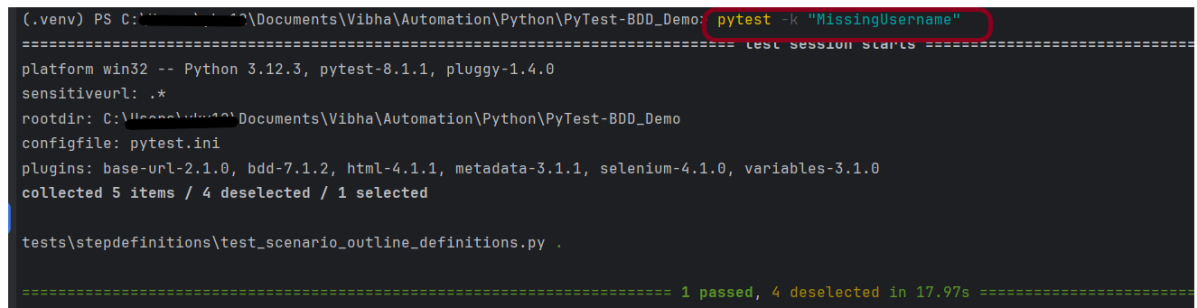
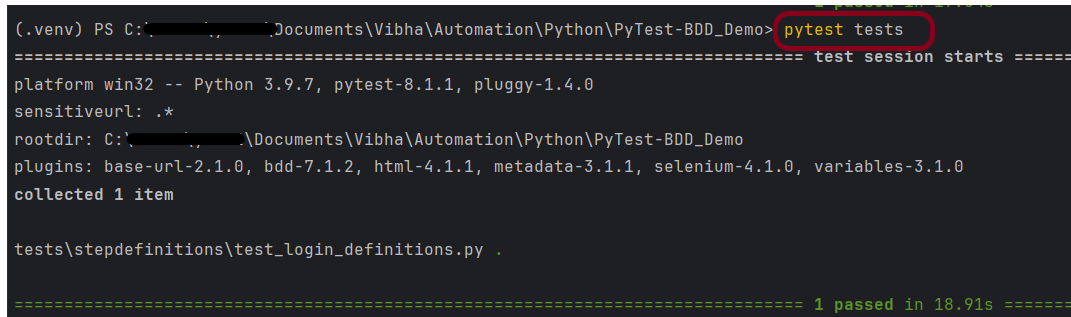
If you want to run a subset of scenarios tagged with @MissingUsername. In this case, we want to run a specific scenario – @MissingUsername.
pytest -k "MissingUsername"
The output of the above program is
3. Running a Feature file
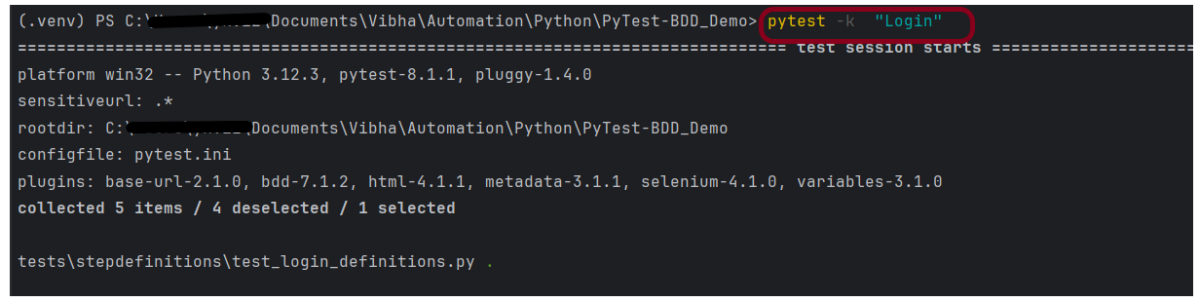
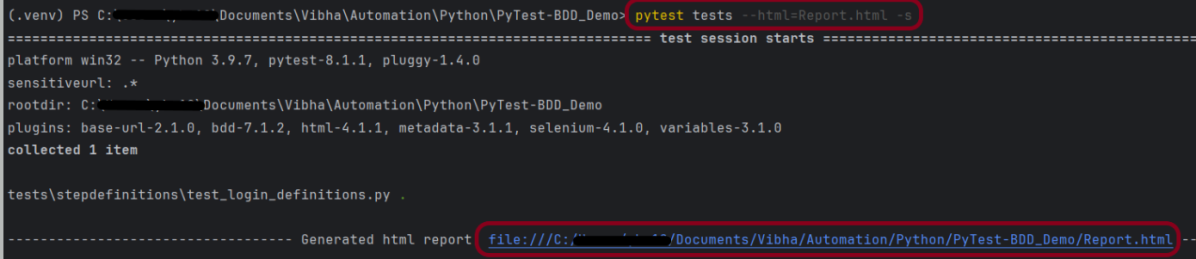
Suppose you want to run a single Feature File from the command line, then use the below syntax
pytest -k "Login"
The output of the above program is
4. Passing multiple Parameters
If we want to pass more than one parameter, then we can use the following command. In this case, we are using the “and” command.
pytest -m "ScenarioOutline and MissingUsername"
The output of the above program is

OR Command
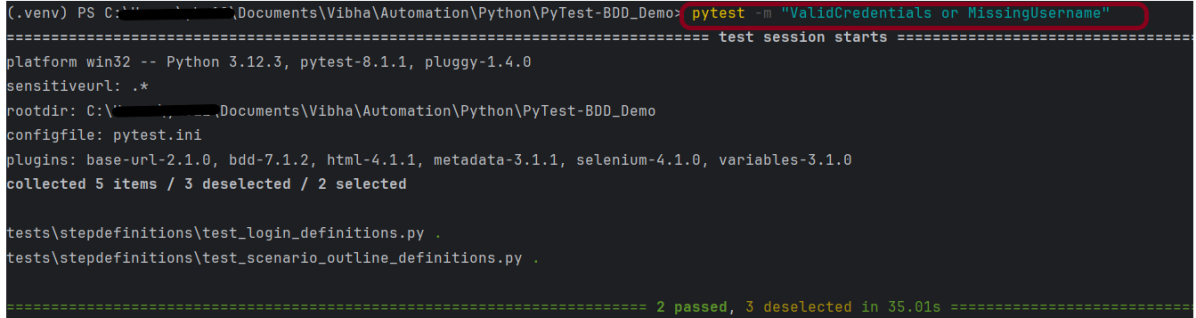
Imagine you want to execute any one of the scenarios, then we can use the “OR” command.
pytest -m "ValidCredentials or MissingUsername"
The output of the above program is
5. Negative Command
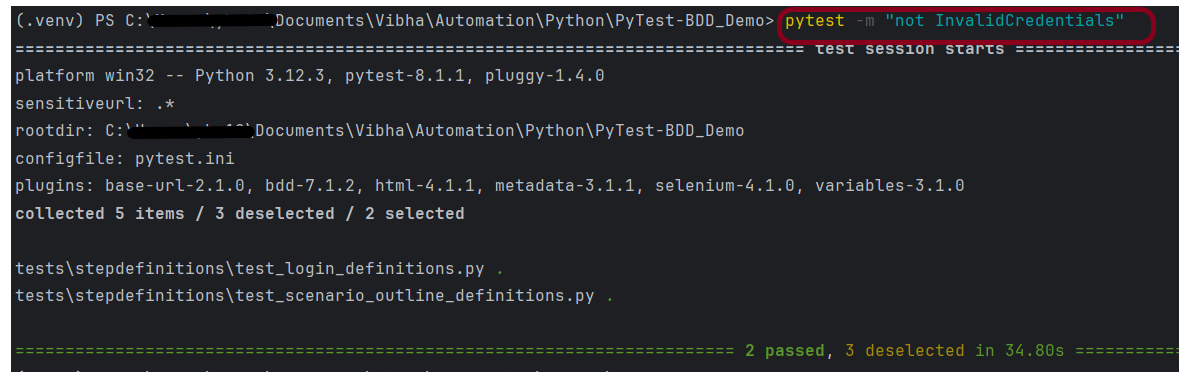
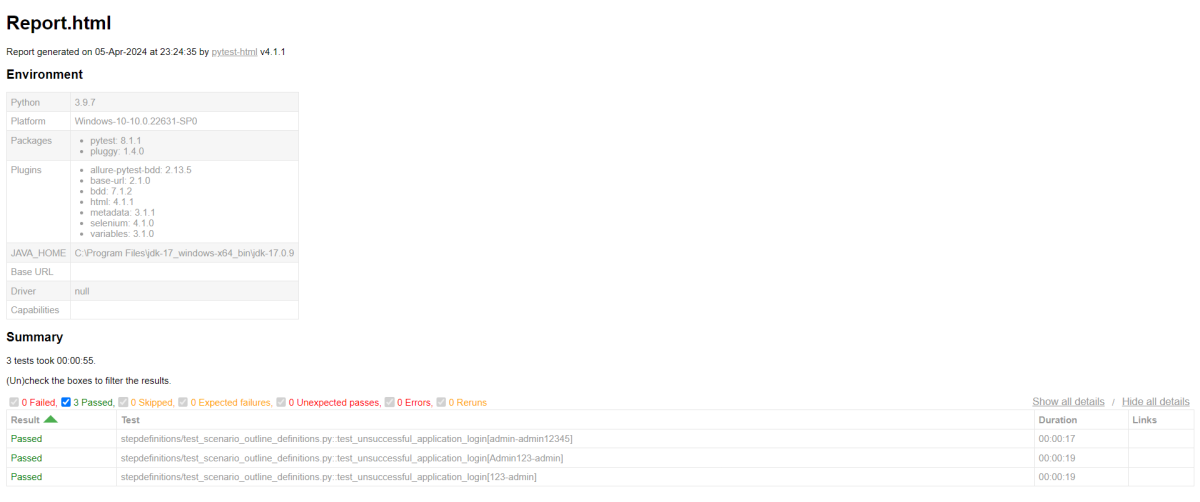
Here, we have a total of 5 tests, and we will execute 2 tests as I have used “@InvalidCredentials” which has 3 tests. So, not using this tag means rest 2 tests will be executed.
pytest -m "not InvalidCredentials"
The output of the above program is
These are some commonly used tags in PyTest.
That’s it! Congratulations on making it through this tutorial and hope you found it useful! Happy Learning!!












 QA Automation Expert