Playwright is a modern and powerful end-to-end testing framework developed by Microsoft, specifically designed for the automation of web applications. It supports programming languages like Java, Python, C#, and NodeJS. Playwright comes with Apache 2.0 License and is most popular with NodeJS with Javascript/Typescript.
In Playwright, you can specify which browser to use when running your tests. This can be done through configuration settings. You can also do it directly via command-line options. Playwright supports multiple browsers including Chromium, Firefox, and WebKit.
Here are the steps to run tests using a specific browser:
1. Configuration in `playwright.config.js`:
You can set a default browser in your Playwright configuration file. Create or modify playwright.config.js to specify the browser, like I have specified Chromium in playwright.config.js file.
import { defineConfig, devices } from '@playwright/test';

/**
 * See https://playwright.dev/docs/test-configuration.
 */
export default defineConfig({
  testDir: './tests',

 /* Run tests in files in parallel */
  fullyParallel: true,

 /* Reporter to use. See https://playwright.dev/docs/test-reporters */
  reporter: 'html',

 /* Shared settings for all the projects below. See https://playwright.dev/docs/api/class-testoptions. */
  use: {

    /* Collect trace when retrying the failed test. See https://playwright.dev/docs/trace-viewer */
    trace: 'on-first-retry'

  },

  /* Configure projects for major browsers */
  projects: [
    {
      name: 'chromium',
      use: { ...devices['Desktop Chrome'] },
    }
  ]

});
By setting the `browserName` in the configuration, all tests will run using the specified browser by default unless overridden.
Below are the tests.
import { test, expect } from '@playwright/test';

test('has title', async ({ page, browserName }) => {
  await page.goto('https://opensource-demo.orangehrmlive.com/');

  console.log(`Running test on browser: ${browserName}`);  // Print the browser name

  await page.waitForTimeout(3000); // Wait for 3 seconds

  // Expect a title "to contain" a substring.
  await expect(page).toHaveTitle(/OrangeHRM/);
});


test('valid login', async ({ page, browserName }) => {

  const username = 'Admin';
  const password = 'admin123'

  await page.goto('https://opensource-demo.orangehrmlive.com/');

  // Print the browser name
  console.log(`Running test on browser: ${browserName}`);

  // Fill in the username
   await page.fill('input[name="username"]', username);

  // Print the username
  console.log(`Logging in with username: ${username}`);

  // Fill in the password
  await page.fill('input[name="password"]', password);

  // Print the password
  console.log(`Logging in with password: ${password}`);

  // Click the login button - Use XPath to locate and click the login button
  const loginButton = await page.locator('//button[@type="submit" and contains(@class, "orangehrm-login-button")]').click();

  // Get the text content from the element
  const dashboardText = await page.locator('//h6[contains(@class, "oxd-topbar-header-breadcrumb-module")]').textContent();

  // Print the text
  console.log(`Dashboard text: ${dashboardText}`);

  expect(dashboardText).toContain('Dashboard');

});
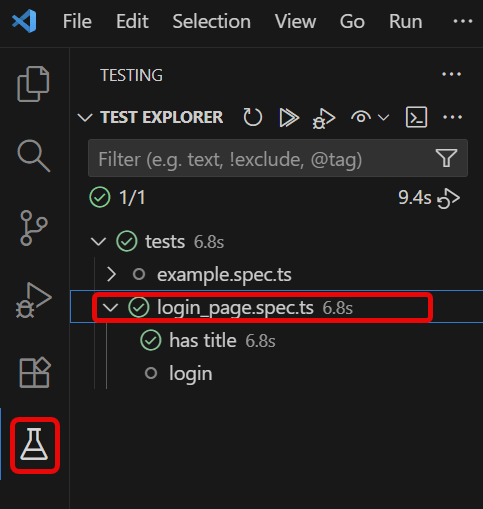
Go to the funnel shape icon called “Testing” or “Test Explorer View”. You can run the tests from the test Explorer view too now. You can run all of the tests in all of the test specs in this directory.
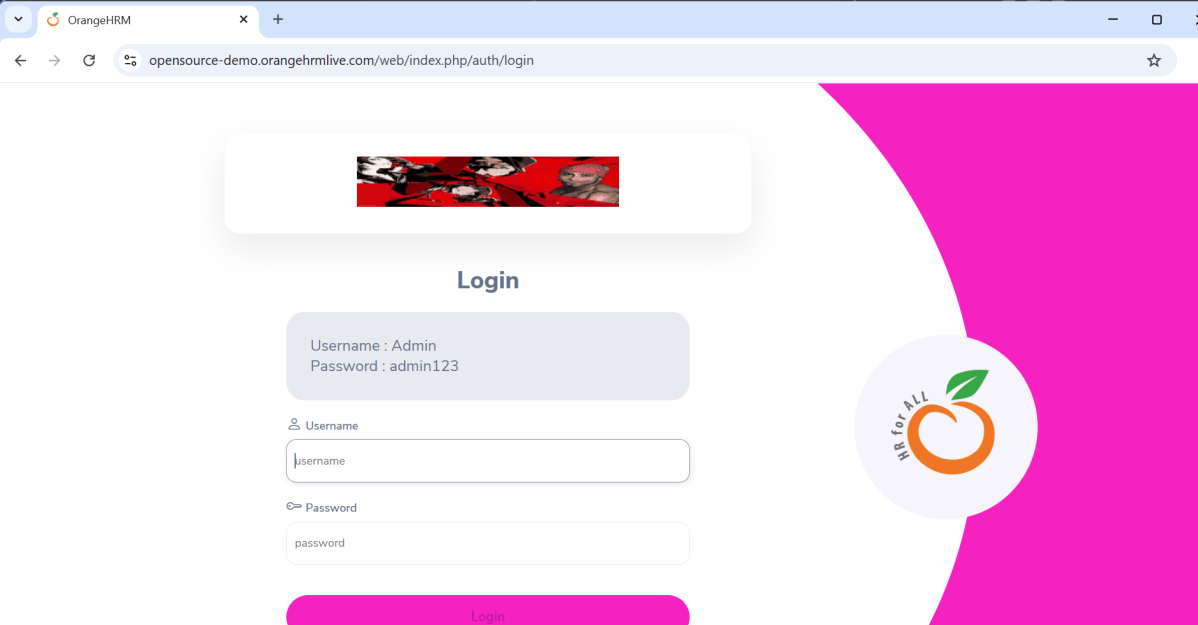
Click on the inverted triangle red icon. The tests are running in UI mode now.
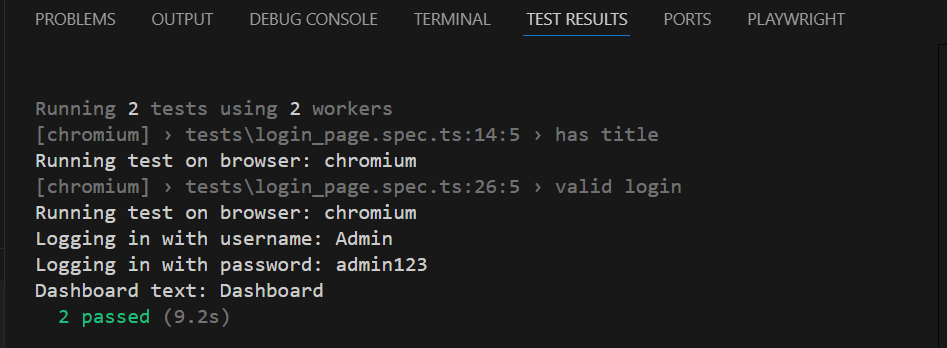
The output of the above program is
2. Command-Line Options
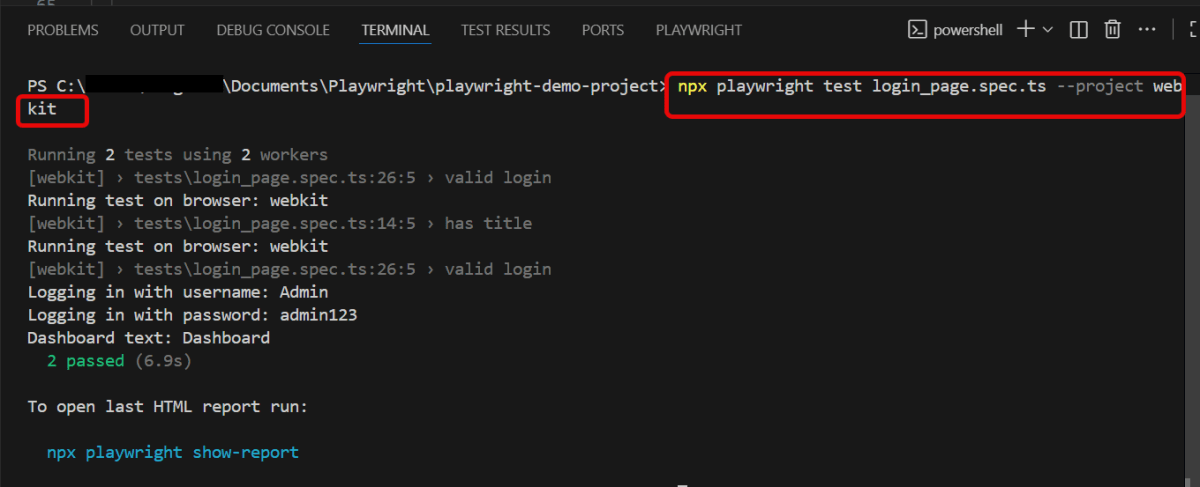
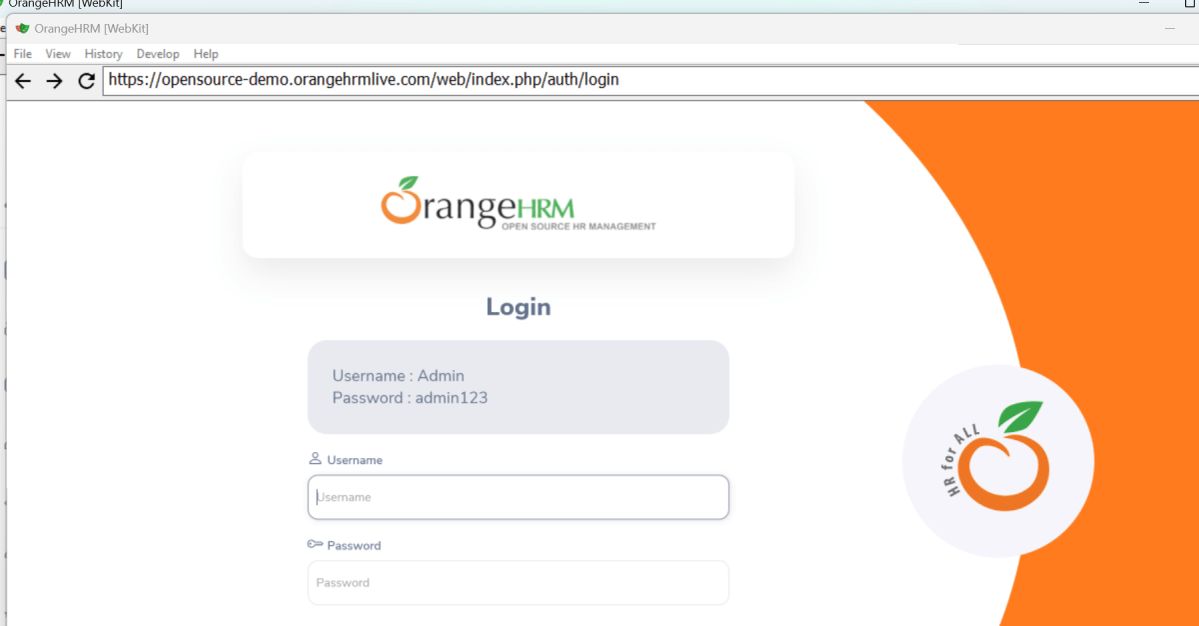
To specify which browser you would like to run your tests on, use the --project flag. Follow it with the browser name.
npx playwright test login_page.spec.ts --project webkit
The output of the above program is
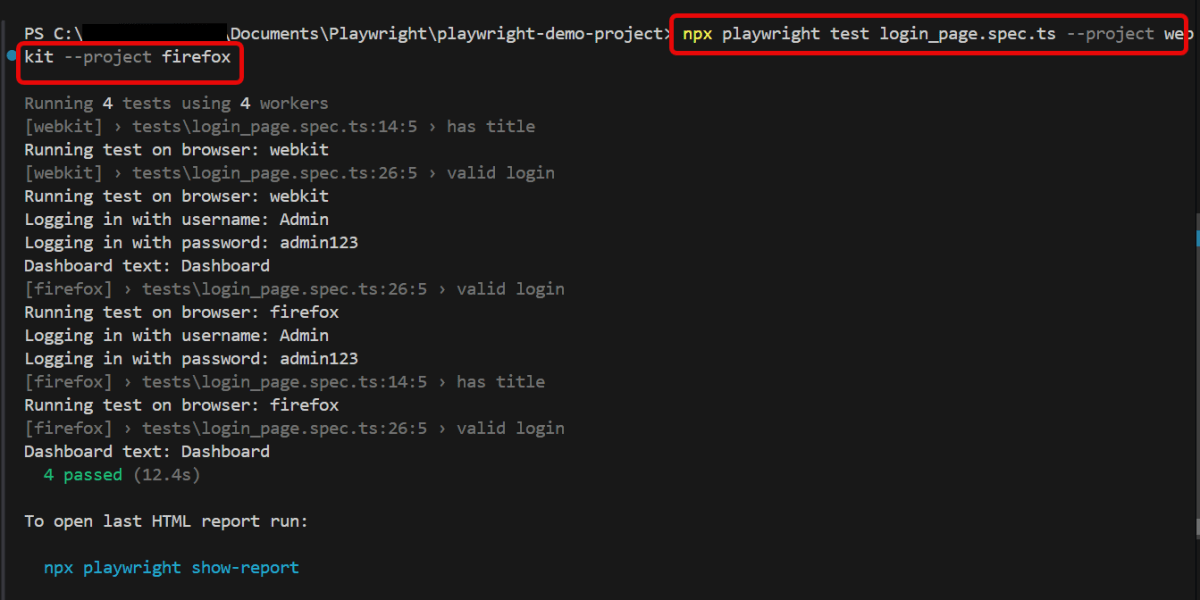
To specify multiple browsers to run your tests on, use the --project flag multiple times followed by each browser name.
npx playwright test login_page.spec.ts --project webkit --project firefox
The output of the above program is
3. Projects for Multiple Browsers:
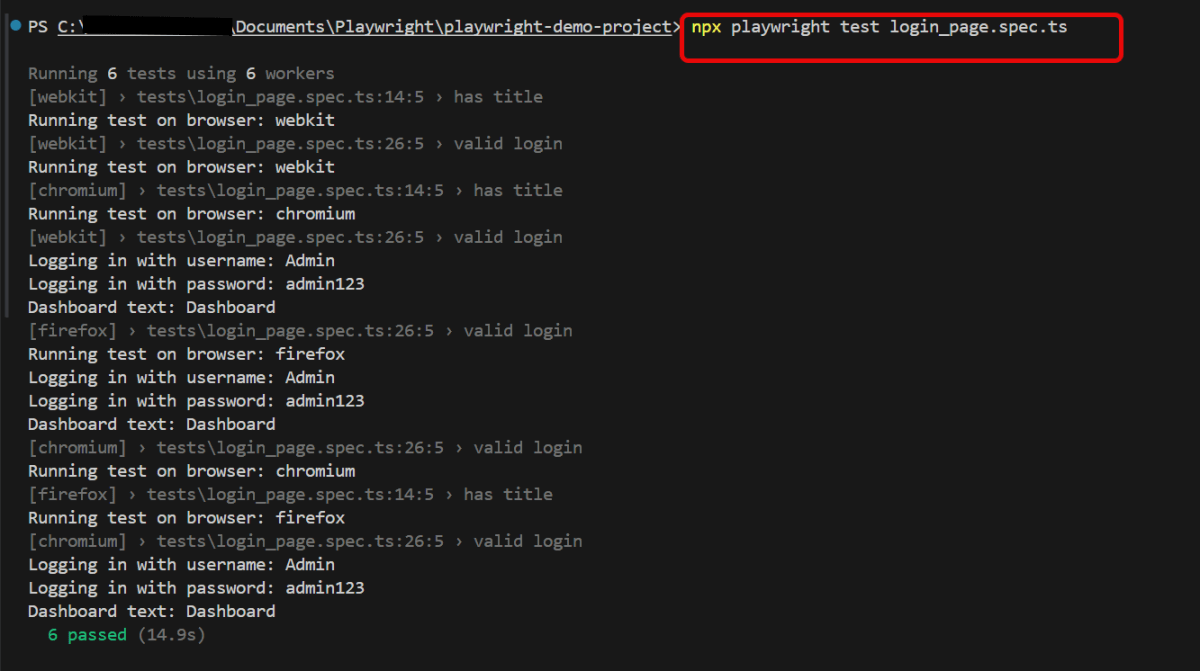
If you want to run tests across multiple browsers consistently, you can define projects in your configuration file:
npx playwright test login_page.spec.ts
import { defineConfig, devices } from '@playwright/test';

/**
 * See https://playwright.dev/docs/test-configuration.
 */
export default defineConfig({
  testDir: './tests',

 /* Run tests in files in parallel */
  fullyParallel: true,

 /* Reporter to use. See https://playwright.dev/docs/test-reporters */
  reporter: 'html',

 /* Shared settings for all the projects below. See https://playwright.dev/docs/api/class-testoptions. */
  use: {

    /* Collect trace when retrying the failed test. See https://playwright.dev/docs/trace-viewer */
    trace: 'on-first-retry'

  },

  /* Configure projects for major browsers */
  projects: [
    {
      name: 'chromium',
      use: { ...devices['Desktop Chrome'] },
    },

    {
      name: 'firefox',
      use: { ...devices['Desktop Firefox'] },
    },

    {
      name: 'webkit',
      use: { ...devices['Desktop Safari'] },
    }
  ]
});
The output of the above program is
By configuring which browser to use, Playwright provides flexibility to ensure your tests are compatible across multiple browser environments.
Playwright is a modern and powerful end-to-end testing framework developed by Microsoft, specifically designed for the automation of web applications. It supports programming languages like Java, Python, C#, and NodeJS. Playwright comes with Apache 2.0 License and is most popular with NodeJS with Javascript/Typescript.

 QA Automation Expert