In this tutorial, we will test GET Request in Python using Requests.
Prerequisite:
- Python is installed on the machine
- PIP is installed on the machine
- PyCharm or another Python Editor is installed on the machine
If you need help in installing Python, please refer to this tutorial – How to Install Python on Windows 11.
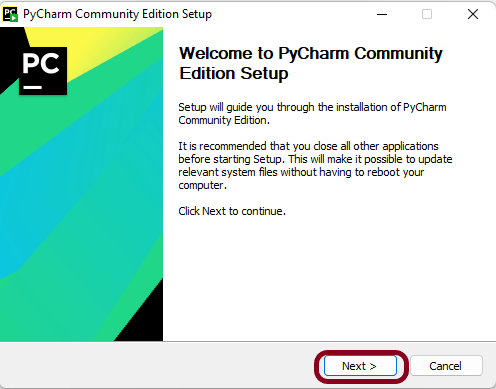
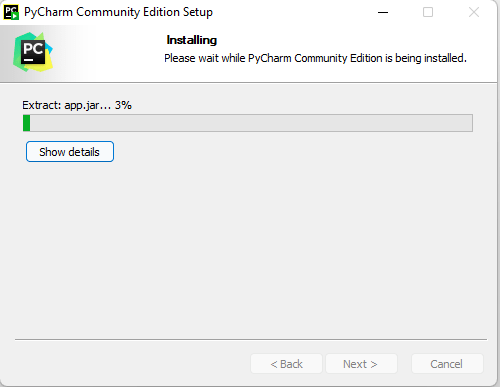
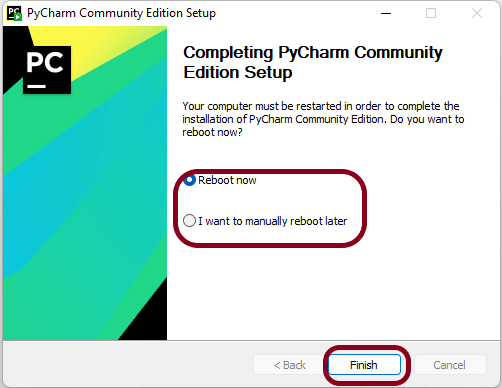
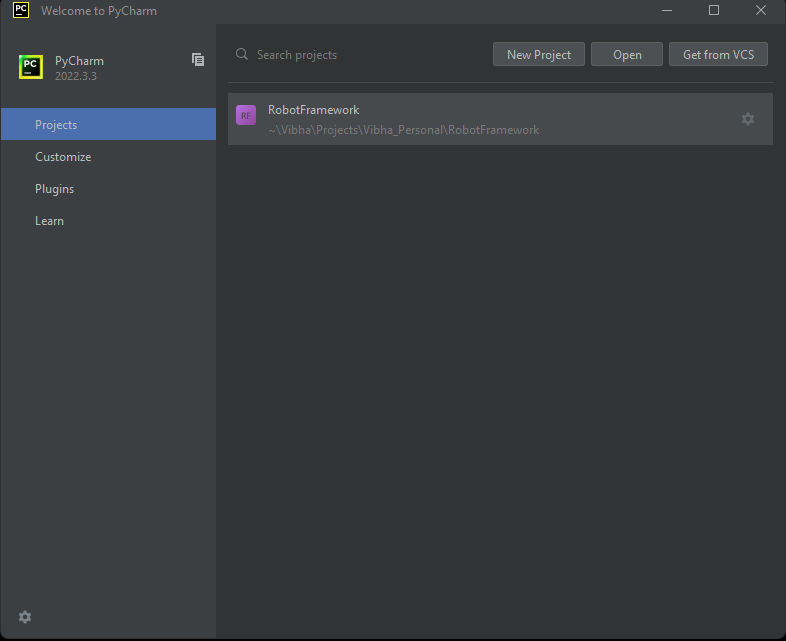
If you need help in installing PyCharms, please refer to this tutorial – How to install PyCharms on Windows 11.
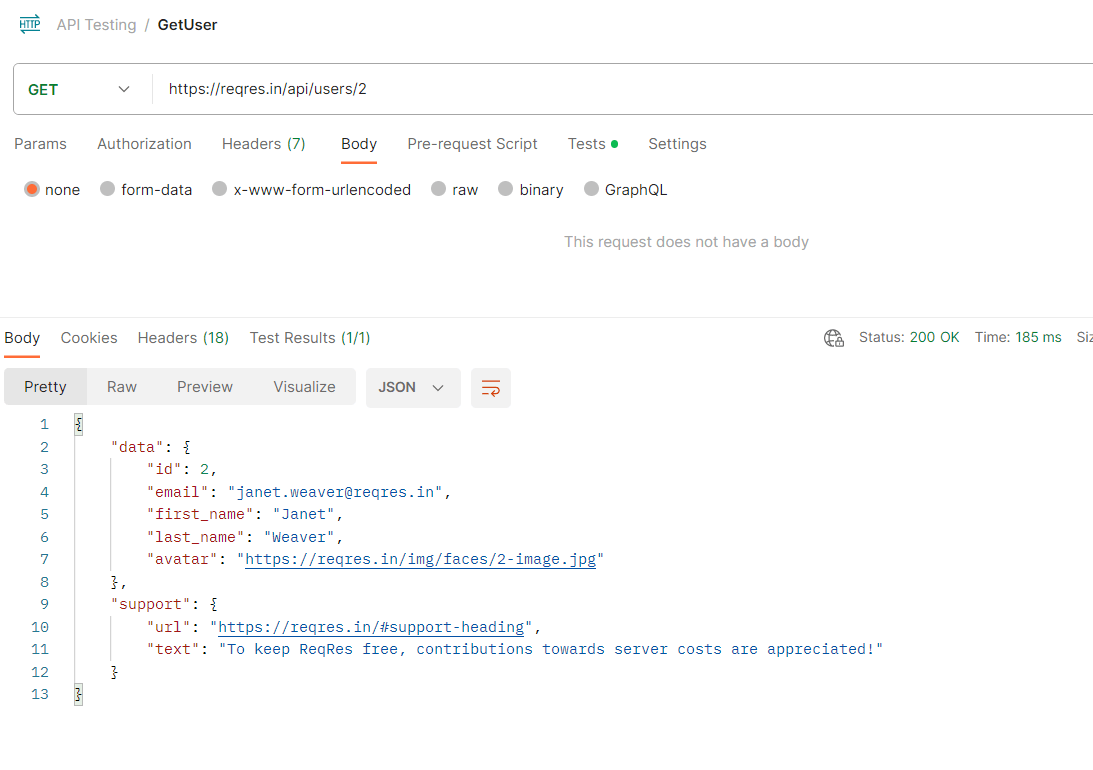
Below is an example of a GET Request using Postman.
Installation of Python Requests Module
Step 1 – If you are using PyCharm IDE then you need to install the Request library. Execute the below command using pip.
pip install -U requests
Step 2 – Install Pytest
pip install -U pytest
Step 3 – Create a new project folder and open it in PyCharm.

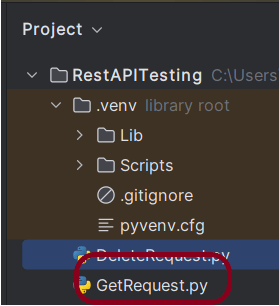
Step 4 – Go to the project folder and Create a new file, name it “GetRequest.py”.
Step 5 – Create the test
Import the required packages.
The GET method is used to get the resource from the server and returns 200 if successful.
import requests

ENDPOINT = 'https://reqres.in/api/'
USER = 'users/2'


def test_get_user_successful():
    response = requests.get(ENDPOINT+USER)
    response_body = response.json()
    print(response_body)
    assert response.status_code == 200
    assert response_body["data"]["id"] == 2
    assert response_body["data"]["first_name"] == "Janet"
    assert response_body["data"]["last_name"] == "Weaver"
requests.get(url) – function sends a GET request to the specified URL.
The response object contains information about the response, including the status code and the response content.
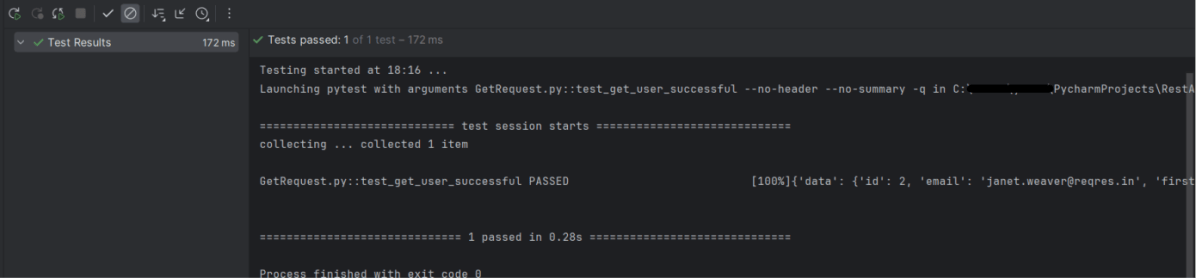
The output of the above program is
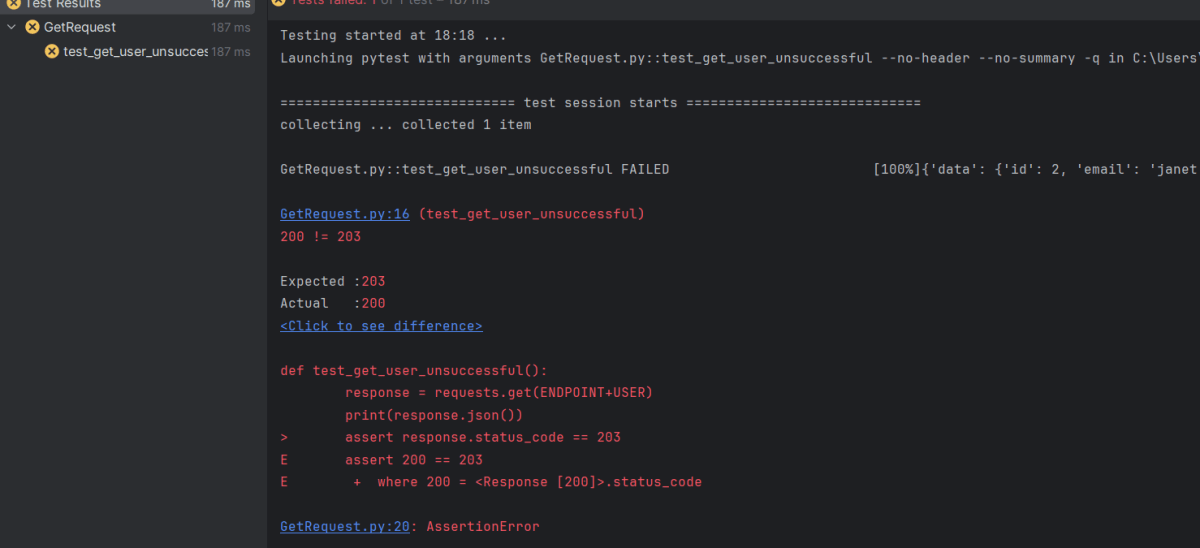
In the case of a failed test, we can see the error message in the logs.
def test_get_user_unsuccessful():
    response = requests.get(ENDPOINT+USER)
    print(response.json())
    assert response.status_code == 203
The output of the above program is
The complete code can be found in GitHub – vibssingh/RestAPITesting_Python
That’s it! Congratulations on making it through this tutorial and hope you found it useful! Happy Learning!!








 QA Automation Expert