Query parameters are a way to pass information to an API flexibly and simply. They are added to the end of the API endpoint URL as a series of key-value pairs. To append query params to the end of a URL, a ‘?’ Is added followed immediately by a query parameter.
Prerequisite:
- Python is installed on the machine
- PIP is installed on the machine
- PyCharm or other Python Editor is installed on the machine
- Install pytest and requests
If you need help in installing Python, please refer to this tutorial – How to Install Python on Windows 11.
If you need help in installing PyCharms, please refer to this tutorial – How to install PyCharms on Windows 11.
Query Param Example
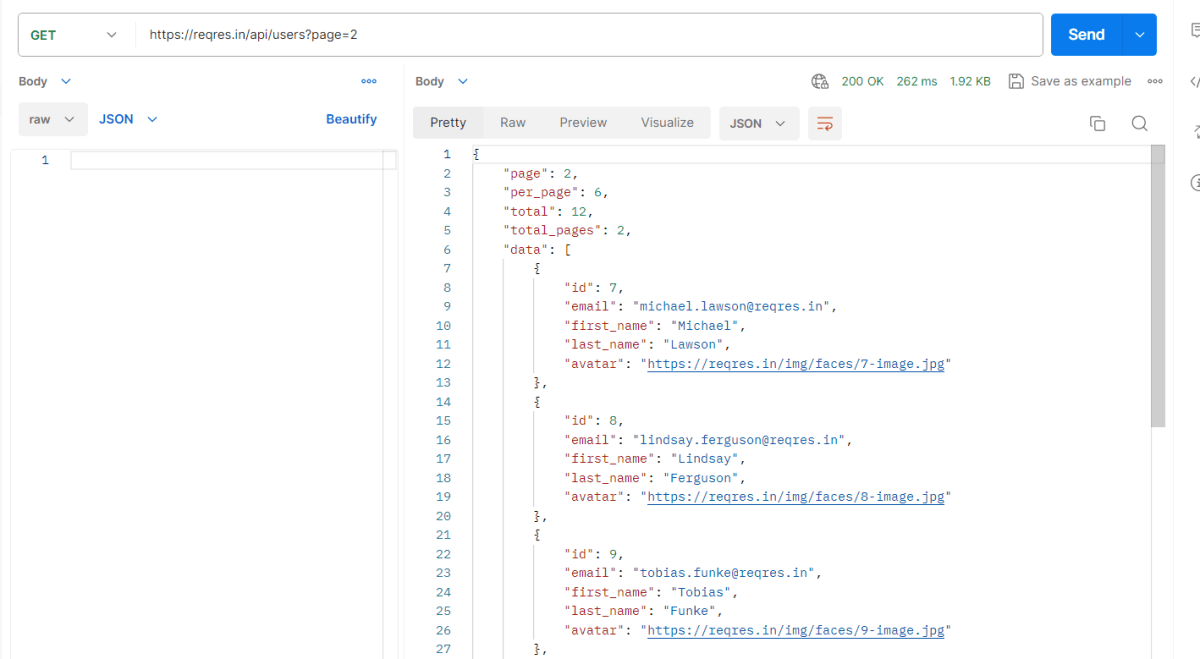
https://reqres.in/api/users?page=2
Below is an example of Query Param in Postman
Below is an example of Query Param in Python
import requests

ENDPOINT = 'https://reqres.in/api/users/'


def test_verify_header():
    params = {
        'pages': 2
    }

    response = requests.get(ENDPOINT, params)
    print(response.json())

    print("Response Header", response.headers)

    #Assert status code
    assert response.status_code == 200

    # Assert Response Body
    response_body = response.json()
    assert response_body["per_page"] == 6

    assert response_body["data"][0]["id"] == 1
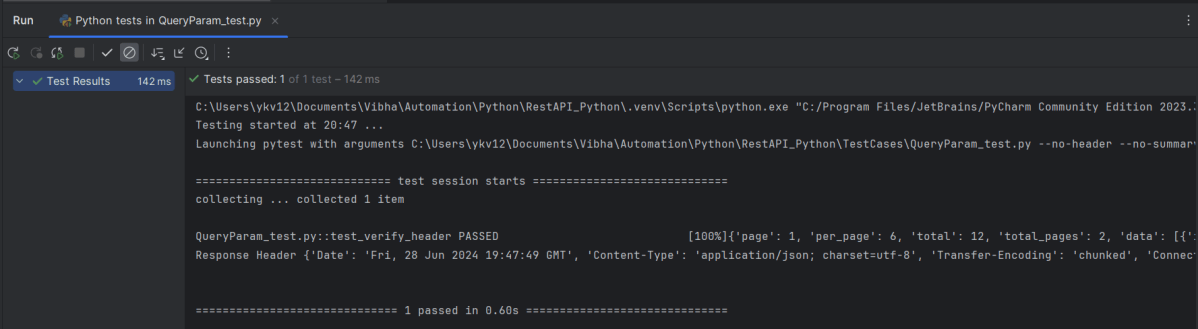
The output of the above program is
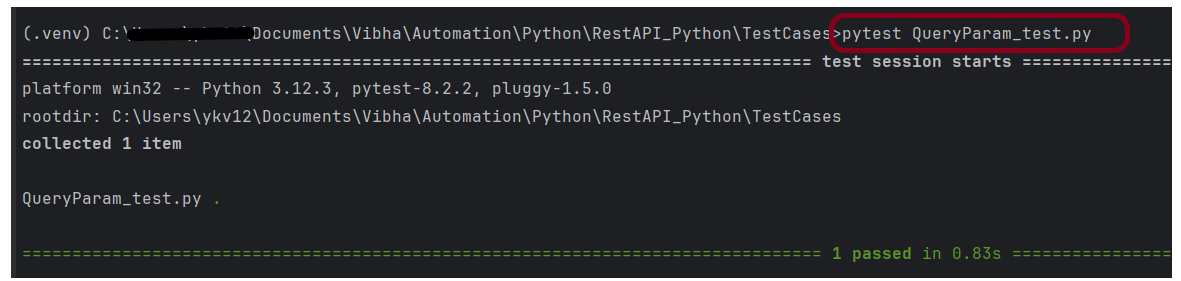
The tests can be run using the command line using the below command:
pytest QueryParam_test.py
The output of the above program is
Congratulations on making it through this tutorial and hope you found it useful! Happy Learning!!
 QA Automation Expert