Assertions are used to perform various kinds of validations in the tests and help us to decide whether the test has passed or failed.
In the below example, we have 3 assertions, but if the first assertion fails, then the test fails without checking for the rest of the two assertions.
  @Test
   public void verifyHardAssertion() {

      // Given
      given()

              // When
              .when()
              .get("https://reqres.in/api/users/2")

              // Then
              .then()

              // To verify the response body
              .body("data.email", equalTo("janet.weaver@reqres12.in"))
              .body("data.first_name", equalTo("Janet1"))
              .body("data.last_name", equalTo("Weaver"));

    }
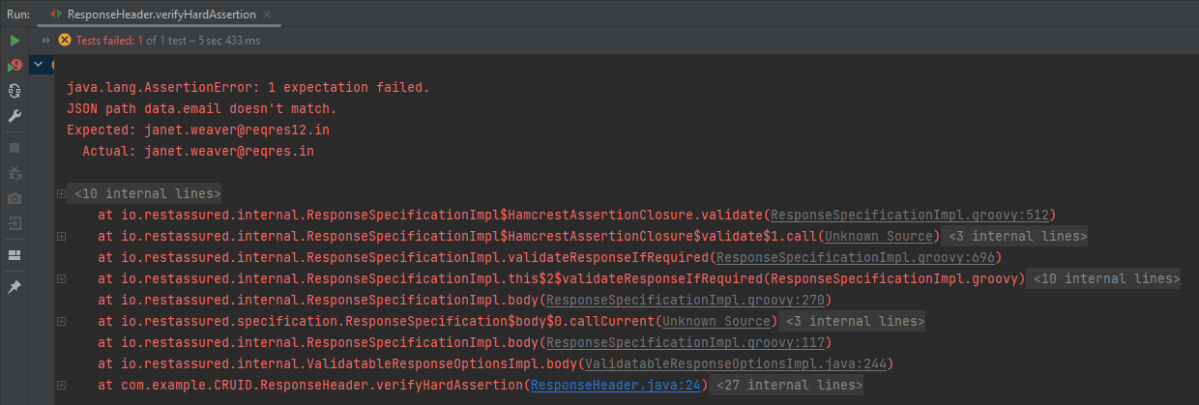
The output of the above program is
In the above example, email as well as first_name has incorrect data. But the assertion has checked email and as it has the incorrect data, it has failed the test without even checking for the rest two assertions.
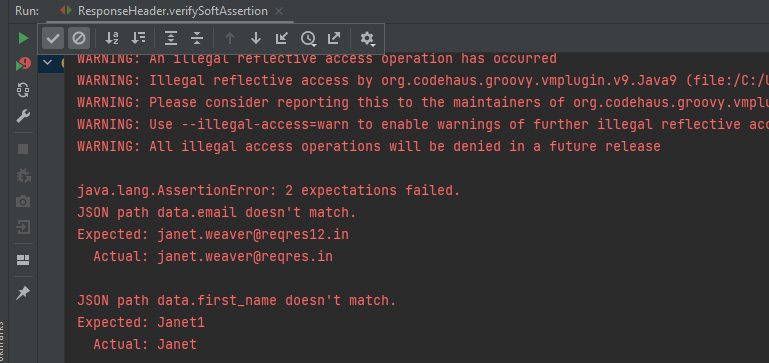
In the below example, the assertion will check all 3 and will print all the error messages. In .body() you need to specify all assertions separated by comma. The below code will validate all 3 assertions and then fail the test.
 @Test
  public void verifySoftAssertion() {

      // Given
      given()

              // When
              .when()
              .get("https://reqres.in/api/users/2")

              // Then
              .then()

              // To verify the response body
              .body("data.email", equalTo("janet.weaver@reqres12.in"),
                        "data.first_name", equalTo("Janet1"),
                        "data.last_name", equalTo("Weaver"));

    }
}
The output of the above program is
Congratulations on making it through this tutorial and hope you found it useful! Happy Learning!!
An assertion is a way to verify that the expected result and the actual result match or not in the test case. A test is considered successful ONLY if it is completed without throwing any exceptions. If the current value and the expected value match then the assertion passes and when the assertion passes nothing happens. But when an assertion fails, it will fail the test case.
There are various ways to perform assertions in API Testing. For API Testing, we are using Rest Assured, which uses either Hamcrest or JUnit assertions. We are going to discuss Hamcrest Assertions here.
What is Hamcrest?
Hamcrest is a framework for writing matcher objects, allowing ‘match’ rules to be defined declaratively. We do not need to add Hamcrest dependency explicitly as the Rest-Assured 4.3.3 version includes itself. To learn more about Hamcrest, please refer to this link.
We need to add the below dependency to use Hamcrest in the project. Please use the latest version from here
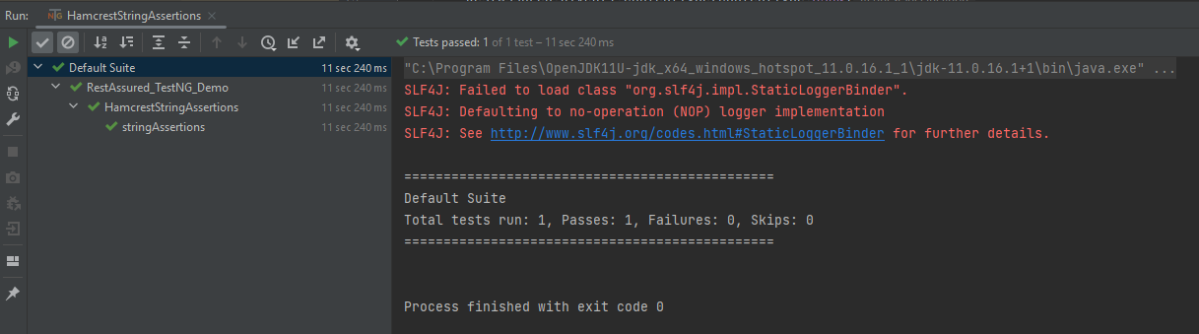
equalTo – It checks whether the extracted string from JSON is equal to the expected string.
equalToIgnoringCase – It checks if the extracted string from JSON matches the expected string. The comparison does not consider case (small or capital).
equalToIgnoringWhiteSpace – It checks if the extracted string from JSON matches the expected string. It takes into account the white spaces.
containsString– It checks whether the extracted string from JSON contains the expected string as a substring.
startsWith– It checks whether the extracted string from JSON is starting with a given string or character.
endsWith – It checks whether the extracted string from JSON is ending with a given string or character.
Below assertions are imported from the package shown below:-
Below are examples to show the use of collection-related assertions.
import io.restassured.RestAssured;
import io.restassured.http.ContentType;
import org.testng.annotations.Test;
import static org.hamcrest.Matchers.is;
import static org.hamcrest.Matchers.nullValue;

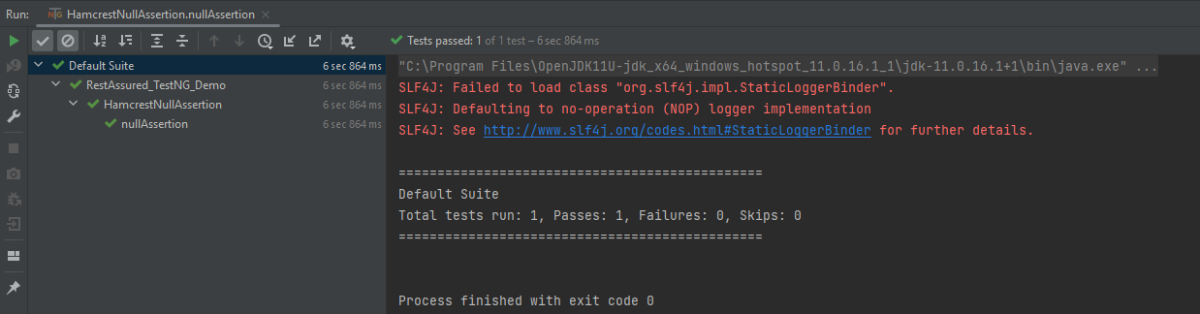
public class HamcrestNullAssertion {

   public String endpoint = "https://restful-booker.herokuapp.com/booking/1";

    @Test
    public void nullAssertion() {
        RestAssured.given().contentType(ContentType.JSON)
                .when().get(endpoint)
                .then().body("totalprice1", is(nullValue()));
    }
}
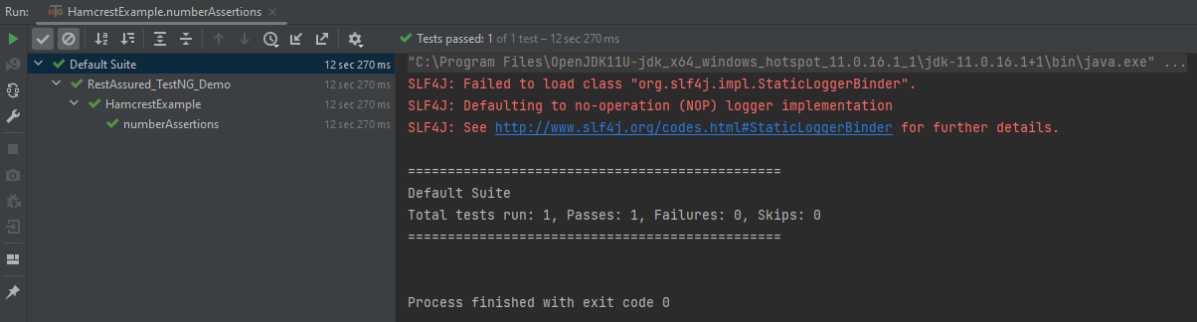
The output of the above program is
hasKey
It checks whether the extracted map has an expected key.
import io.restassured.RestAssured;
import io.restassured.http.ContentType;
import org.testng.annotations.Test;
import static org.hamcrest.Matchers.hasKey;

public class HamcrestHasKeyAssertion {

    public String endpoint = "https://restful-booker.herokuapp.com/booking/1";

    @Test
    public void collectionAssertions() {

        RestAssured.given().contentType(ContentType.JSON)
                .when().get(endpoint)
                .then().body("bookingdates",hasKey("checkin"));

    }
}
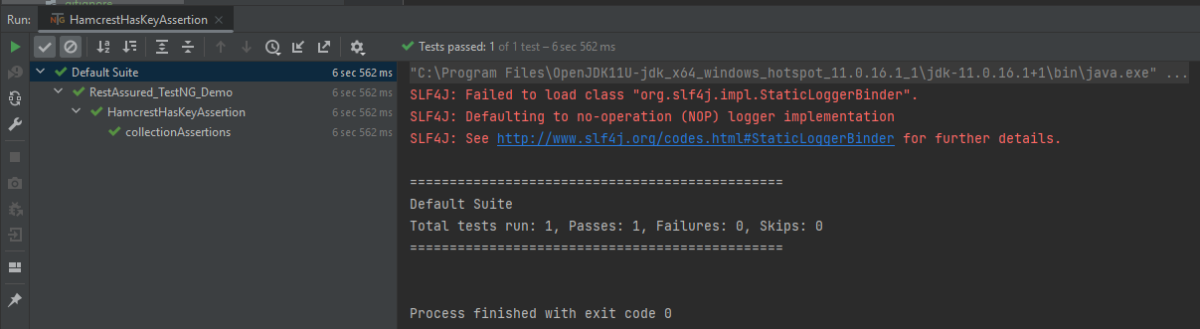
The output of the above program is
Not Assertion
The not assertion inverts the meaning of the other assertions. For example, if you want to perform negative assertions, then we can use any assertions with NOT.
The below assertion is imported from the package shown below:-
Below are examples to show the use of negative assertions.
import static org.hamcrest.Matchers.equalTo;
import static org.hamcrest.Matchers.not;
import io.restassured.RestAssured;
import io.restassured.http.ContentType;
import org.testng.annotations.Test;
public class HamcrestNotAssertion {
public String endpoint = "https://restful-booker.herokuapp.com/booking/1";
@Test
public void negativeAssertions() {
RestAssured.given().contentType(ContentType.JSON)
.when().get(endpoint)
.then().body("totalprice",not(equalTo(874)));
}
}
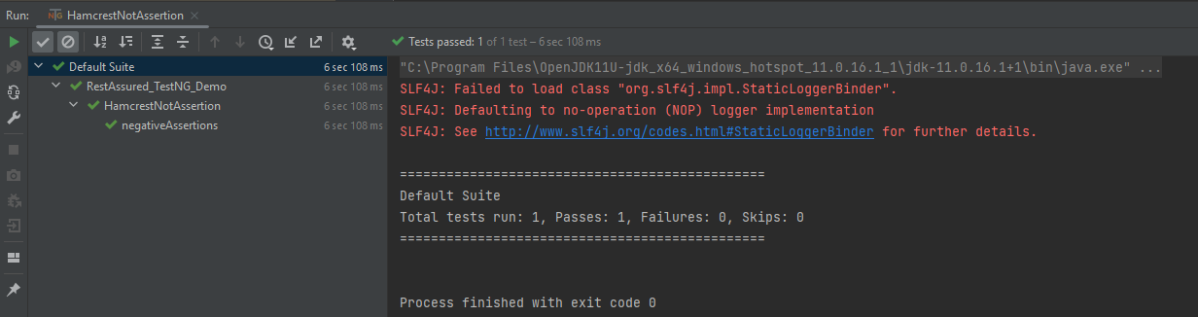
The output of the above program is
Multiple Assert Statements
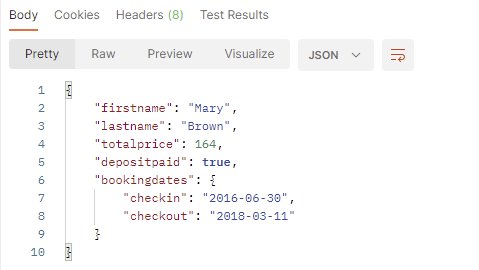
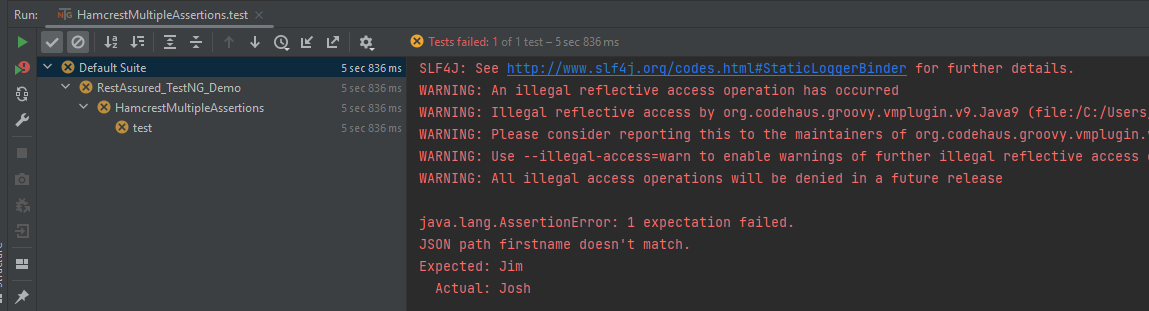
In the below example, all 3 assertions will fail. It will only execute the first assertion. If the first assertion fails, then other assertions will not be executed.
import io.restassured.RestAssured;
import io.restassured.http.ContentType;
import org.testng.annotations.Test;
import static org.hamcrest.Matchers.equalTo;

public class HamcrestMultipleAssertions {

    public String endpoint = "https://restful-booker.herokuapp.com/booking/1";

    @Test
    public void test1() {
        RestAssured.given().contentType(ContentType.JSON)
                .when().get(endpoint).then()
                .body("firstname", equalTo("Jim"), // will fail
                        "lastname", equalTo("Smith"), // will fail
                        "totalprice", equalTo(314)); // will fail
    }

}
The output of the above program is
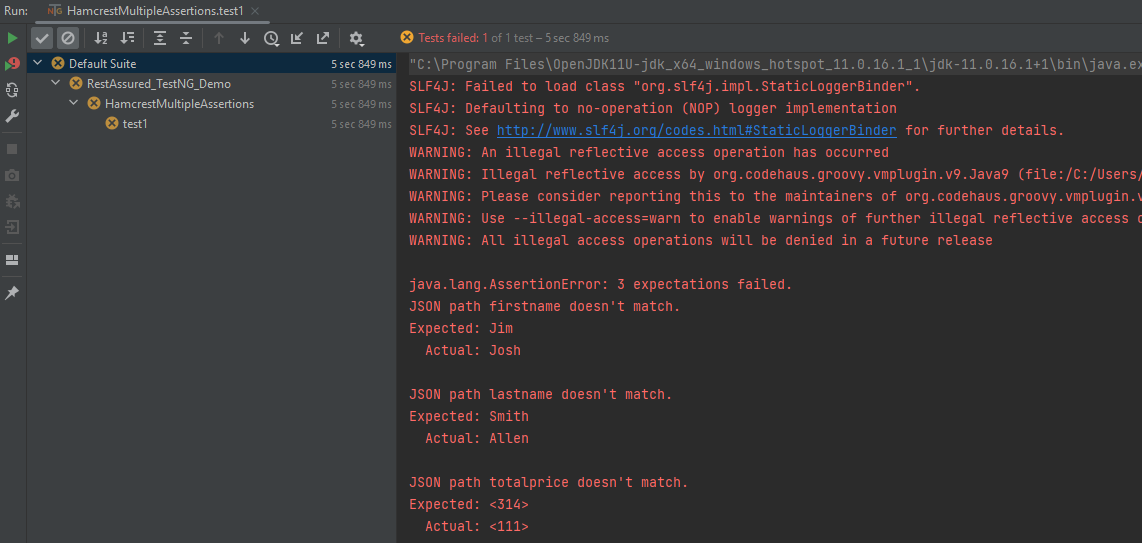
To execute all the assertions in the test case, combine them into a single body. This should be done just like it is shown below. You can see that all the assertions failed, and they are shown in the response.
import io.restassured.RestAssured;
import io.restassured.http.ContentType;
import org.testng.annotations.Test;
import static org.hamcrest.Matchers.equalTo;

public class HamcrestMultipleAssertions {

    public String endpoint = "https://restful-booker.herokuapp.com/booking/1";

    @Test
    public void test1() {
        RestAssured.given().contentType(ContentType.JSON)
                .when().get(endpoint).then()
                .body("firstname", equalTo("Jim"), // will fail
                        "lastname", equalTo("Smith"), // will fail
                        "totalprice", equalTo(314)); // will fail
    }

}
The output of the above program is
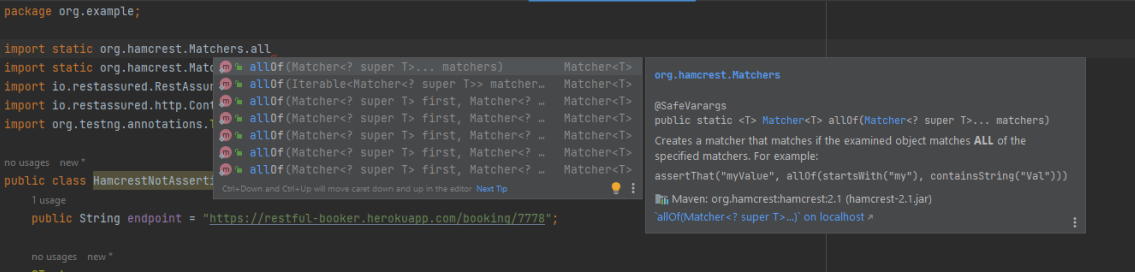
I have tried to show the use of a few of the most commonly used assertion methods. There are many more methods available in Hamcrest package. To know about other methods, write import static org.hamcrest.Matchers and add (.) at the end, it will show the list of all the methods available in Hamcrest.
To know more details related to Hamcrest assertion, you can refer the official website – Hamcrest
Points to Remember:
Hamcrest is commonly used in JUnit, RestAssured, and Mockito for API and unit testing
It offers a variety of matchers for different data types, such as: Numbers: greaterThan(), lessThan(), Strings: containsString(), startsWith(), endsWith()
You can combine multiple matchers using logical operators: assertThat(score, allOf(greaterThan(50), lessThan(100)))
Encourages fluent and expressive test writing with assertThat() instead of assertEquals()
We are done! Congratulations on making it through this tutorial and hope you found it useful! Happy Learning!!

 QA Automation Expert